
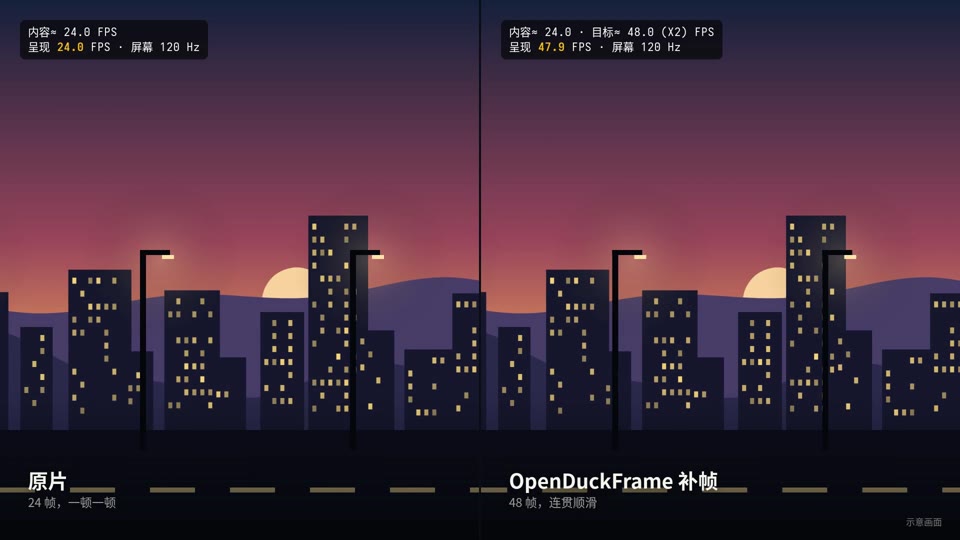
 24 → 48 fps
Web video
Video sites in the browser, in a normal window or full-page mode.
OpenDuckFrame is a free, open-source Mac app for real-time frame generation and upscaling. Choose a window, display or local video for smoother, clearer pictures. All picture processing happens on your Mac.
↓ OpenDuckFrame.dmg · macOS 14+ · Apple silicon
$ git clone https://github.com/Jun-bao/OpenDuckFrame
Free · Open source (MIT) · No account
OpenDuckFrame is a native Mac picture-enhancement app. It detects the source frame rate, creates in-between frames with RIFE or Apple interpolation, and lets you configure upscaling independently. Windows, displays and local video are supported inputs. Pictures are not uploaded.
Read the quick start →Counts only frames that actually change, so 24 fps video counts as 24 even on a 120 Hz display.
Choose a target frame rate or request 2×, 3× or 4× generation. Actual output depends on the engine, source resolution and display refresh rate.
Upscale low-resolution pictures with methods such as Lanczos and MetalFX. Configure scaling and frame generation separately; detail and processing cost vary by method.
Falls back to a lower multiplier instead of stuttering.
When content × multiplier exceeds the refresh rate, the original is shown and the GPU rests.
A small overlay shows the content rate, the output rate and the current multiplier.
Capture and models run on your Mac. No account, and the picture never leaves the machine.
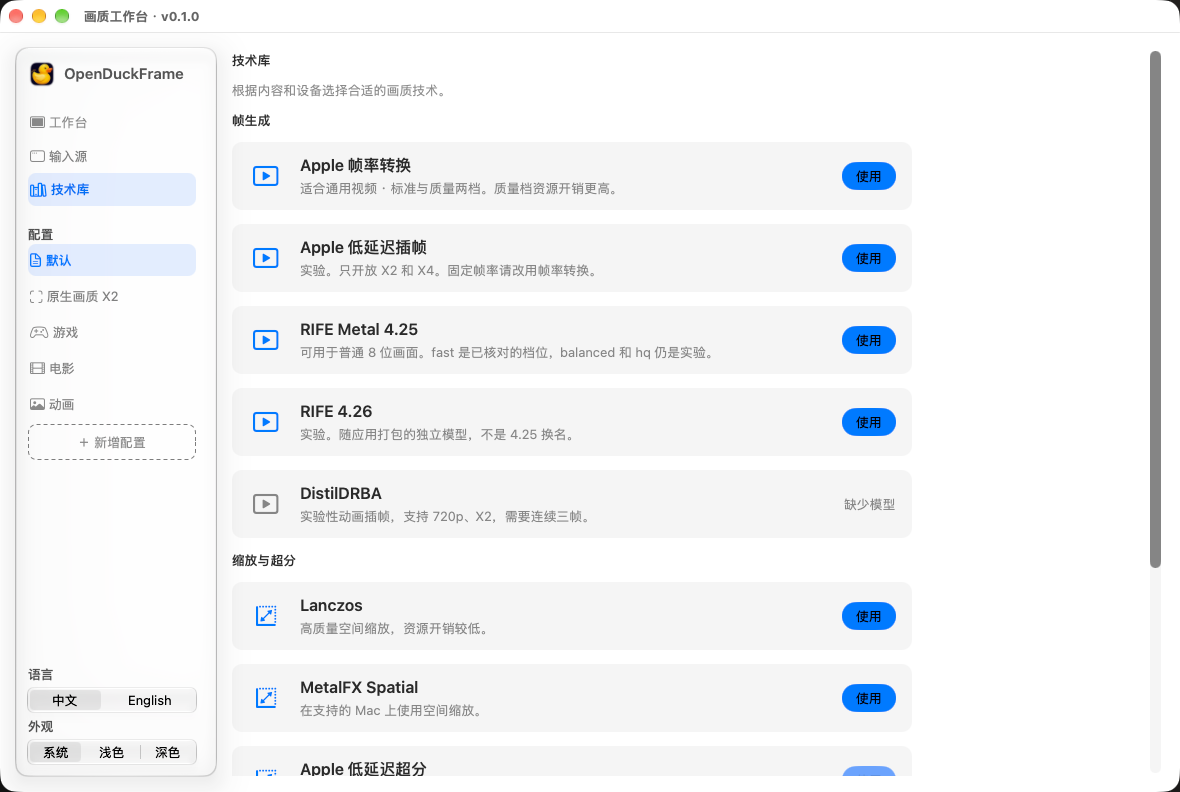
The technology library says what each frame-generation and upscaling method suits and what it costs. Choose a preset and press Use.
Any moving picture in a window. These are the favourites.
24 → 48 fpsVideo sites in the browser, in a normal window or full-page mode.
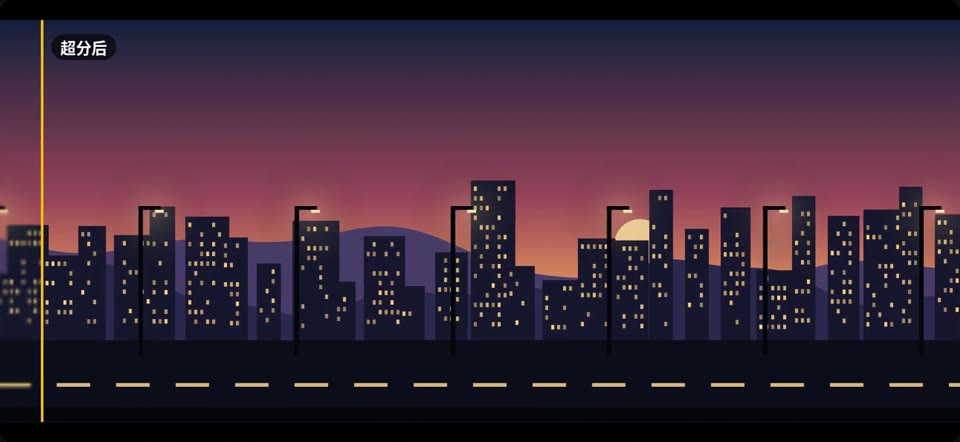 24 → 48 fps
Films and series in your player, with pans that no longer judder.
 24 → 48 fps
Low-frame-rate animation with smoother motion.
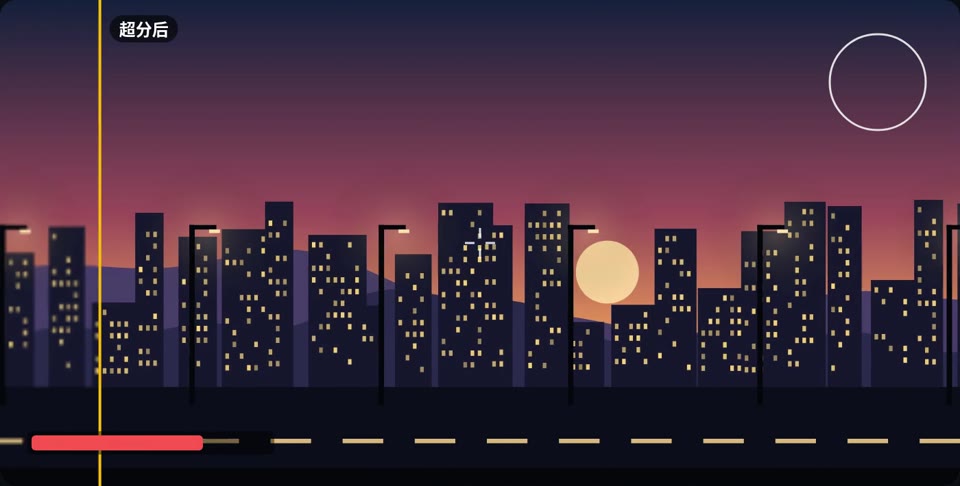 1080p → 1440p
Render games at a lower resolution for more frames, then upscale to your screen.
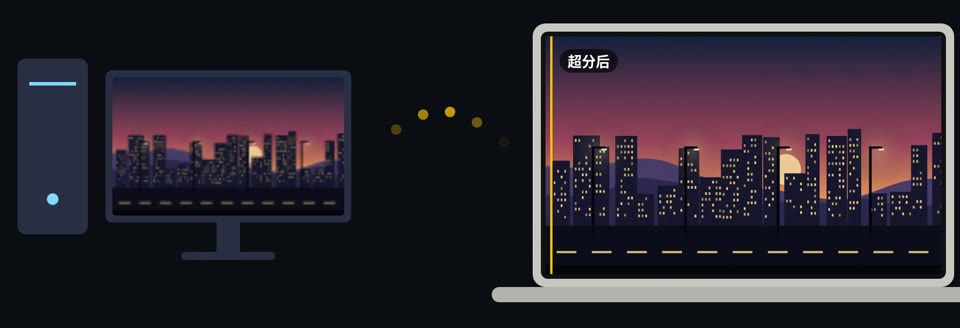 PC → Mac
Stream games from a Windows PC and upscale them on the Mac for a sharper picture.
 720p → 1440p
Old films and low-bitrate video, upscaled to your screen.
Pictures and frame-rate values are illustrative. Actual results depend on the Mac, engine and source.
Release builds are published on GitHub, together with every earlier version.
All releases →Something else? Join the discussion
OpenDuckFrame is a free, MIT-licensed Mac app for real-time frame generation and upscaling. It enhances existing windows, displays and local video, with RIFE and Apple interpolation, independent scaling and local playback.
Apple silicon Macs on macOS 14 or later are supported. Apple interpolation and some other engines require macOS 26 and compatible hardware and inputs. Intel Macs, Windows, iPhone and iPad are not currently supported.
Yes. Generating in-between pictures adds latency, which varies with engine, resolution and quality settings. Start with 2× and compare Original, Enhanced and Comparison views; choose carefully for latency-sensitive use.
Normal windows and full-page video work today. macOS full screen is in development.
No. Capture, detection and frame generation all run on your Mac, and there is no account.
Nothing. The source code is on GitHub under the MIT License.
This community build is not Apple notarized. If you trust the download, review its blocked-launch message in System Settings → Privacy & Security and decide whether to allow it. The app does not change system security settings.
After installing, open File → Quality Workbench, choose a window, display or local video, start with 2× frame generation, then press Start enhancement. Capturing a window or display needs Screen Recording permission; local video playback does not.
A multiplier is a requested processing mode, not a guarantee of displayed frame rate. The engine, source cadence, resolution and display refresh rate affect the result. A 60 Hz display cannot present 120 distinct frames per second. Check the FPS overlay and the picture you actually see.
Frame generation creates in-between pictures for more continuous motion; upscaling enlarges pictures to a higher resolution. They can be enabled separately. Artifacts or changes in detail can occur, so compare at equal output sizes.
Choose a source and engine, then check the frame rate actually displayed.
System requirements, window and local-file setup, and why a 4× setting does not guarantee 120 fps.
One changes motion continuity; the other changes picture dimensions. Learn when to use each or both.
OpenDuckFrame is free and MIT licensed. A star helps more people find it.
Star on GitHub